
AI Chat & Writing
Ask anything, get smart answers, draft content, brainstorm ideas, and refine your thinking.
Ask anything. Create everything.
AI Artifacts is your all-in-one workspace for thinking, research, images, video, and infinite ideas—made to bring it all to life.
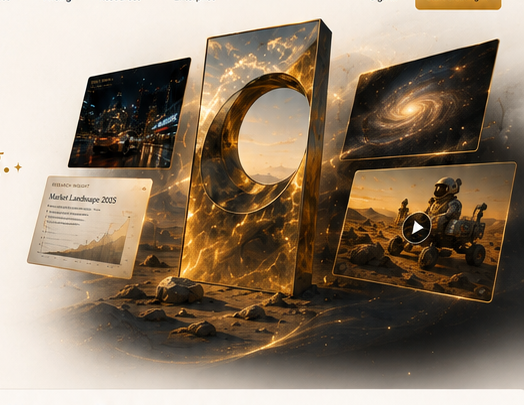
Ask anything, get smart answers, draft content, brainstorm ideas, and refine your thinking.
Find, compare and synthesize real-time insights from trusted sources.
Create stunning visuals with precision, style and complete creative control.
Turn ideas into cinematic videos with motion, camera control and realistic storytelling.
Connect everything—ideas, assets, notes and media—in one limitless workspace.
AI Artifacts takes you from spark to story. Research the world, imagine without limits, and create across any medium.
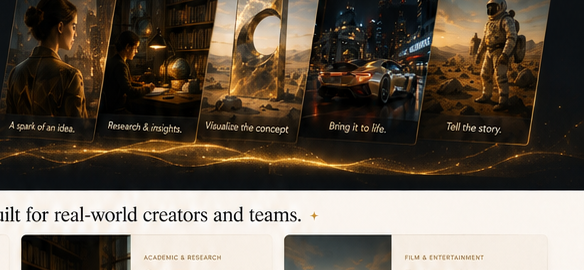

Plan, research and produce high-impact campaigns across images, video and copy.
Explore marketing use cases →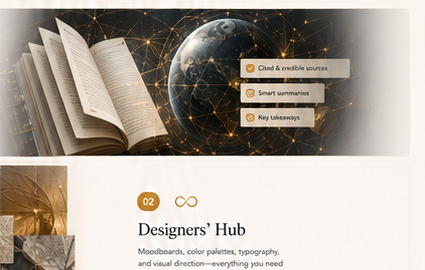
Find verified sources, synthesize complex topics, and turn research into clear outputs.
Explore research use cases →
Build cinematic concepts, visualize scenes, and produce storyboards and trailers.
Explore film use cases →One clear creative loop, from a question to something worth sharing.
Share a goal, idea, question or draft in natural language.
Get smart answers, sources, references and fresh perspectives.
Generate images, videos, copy and more—tailored to your vision.
Iterate and perfect. Export, share, and bring it to the world.
Your information stays private, and is never used to train models.
Research is built for source transparency and accuracy.
Tools designed to amplify creativity, not replace it.
You are in control of your data, assets and shared content.